@SJRCPort
Announcements

Yr 10 All My Own Work
Click the image below to access the course


Careers Information

NAPLAN - LOCKDOWN BROWSER 2026
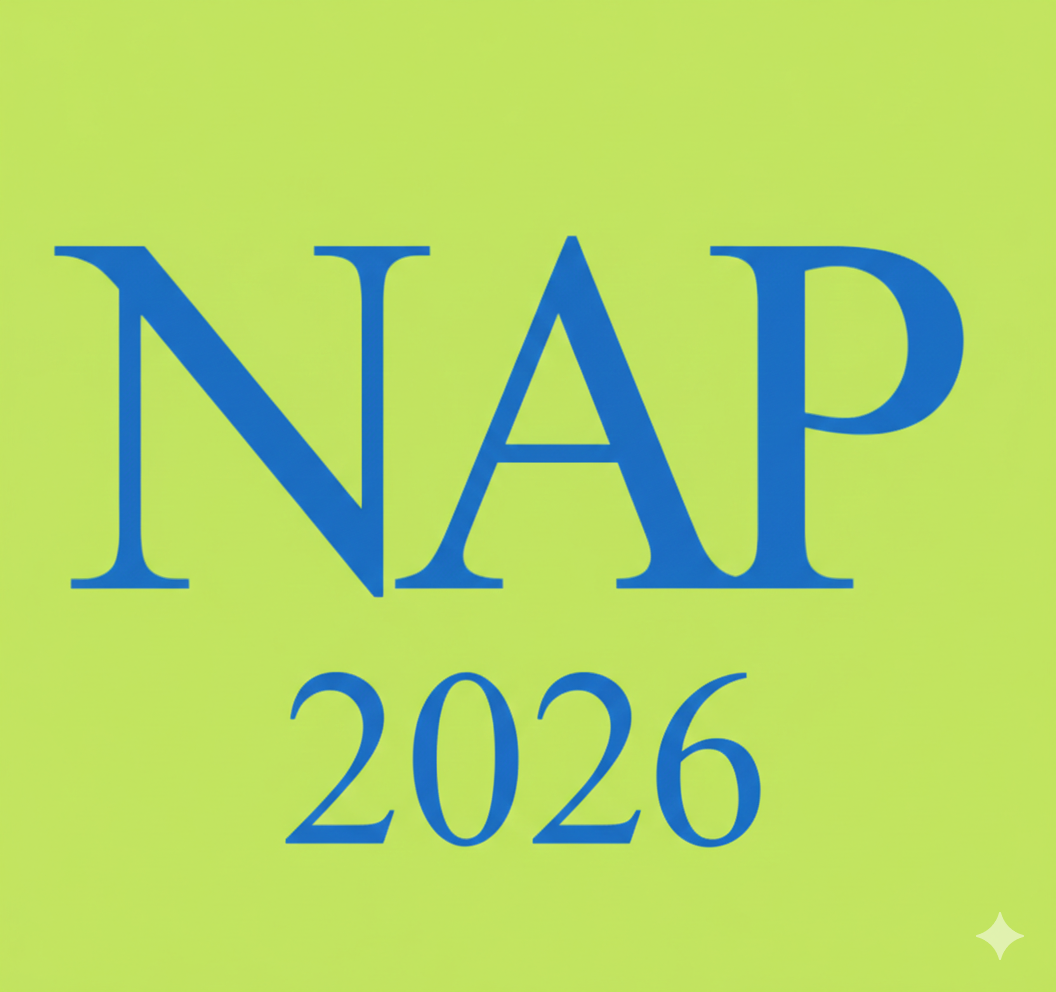
The latest version of the NAP LockDown Browser should have a green and blue icon. (see the image above)
Complete the following steps to be set up for NAPLAN 2026.
1. Uninstall any previous versions of the NAP Lock Down Browser.
Click here for instructions.
2. Install the "latest" version of the NAP Lock Down Browser.
Click here to download.
Click here to watch a video on how to install the LockDown Browser
3. Have the icon on your desktop so you are ready to show your teacher.
Minimum Standards - Lock Down Browser 2026
Use the following links to download and install the app on your computer
Windows Users
Mac Users